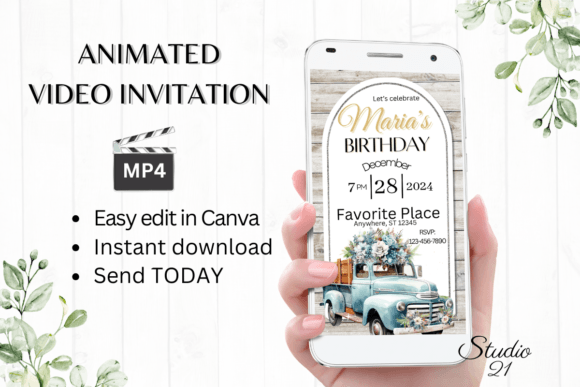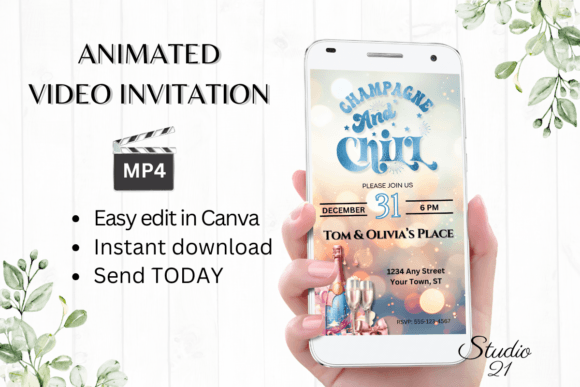
Winter Birthday Party Invitations: A Guide to Digital Animated Templates
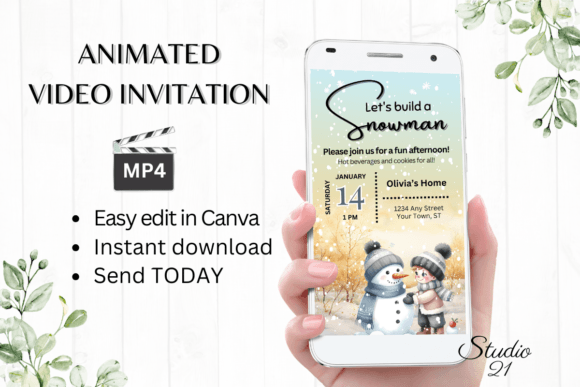
There’s a certain magic that comes with a winter birthday. It might be the cozy glow of lights against early nightfall, the crisp air, or the promise of a gathering that feels both festive and intimate. Yet, capturing that specific ambiance in an invitation can be a challenge. A static image or a simple text message often falls short of conveying the excitement and unique character of a celebration held during this special season. This is where the power of a thoughtfully designed digital animated video invitation truly shines, offering a dynamic and engaging way to set the tone for your event from the very first moment.
Why Animated Invitations Capture Attention
In a world saturated with digital communication, standing out in an inbox or a message thread is crucial. An animated invitation moves beyond the limitations of a flat image. Imagine sending a beautifully crafted video where gentle snowflakes drift across the screen, festive lights twinkle, or elegant typography fades in with a soft glow. This subtle motion immediately draws the eye and creates a memorable experience. It transforms the act of receiving an invitation from a passive glance into an engaging moment. For the host, it’s an opportunity to inject personality and theme directly into the first touchpoint, building anticipation and excitement before the event even begins. The practical benefits are just as compelling. A digital format means instant delivery, easy tracking, and the ability to make last-minute changes without the hassle of reprinting.
From Download to Delightful: A Seamless Creative Process
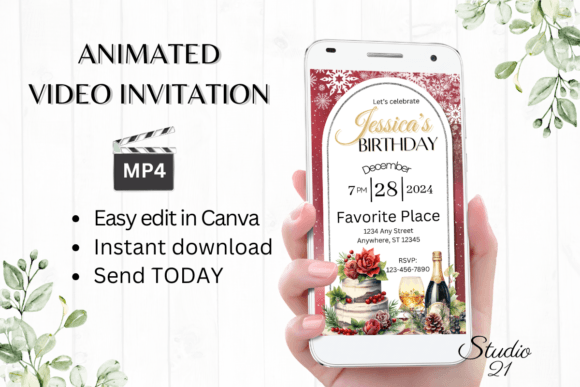
The true value of a modern design asset lies in its accessibility and ease of use. A premium digital invitation template should empower you, not overwhelm you with complicated software requirements. The ideal workflow is designed for efficiency and creativity. Upon purchase, you receive immediate access to a template, typically hosted in a user-friendly platform like Canva. This eliminates the need to download specialized software or hunt for specific fonts, as everything is integrated into the online editor. The process becomes intuitive: you can personalize text to include your details, change font styles and colors to match your vision, and even adjust the animation to suit your taste. This level of control means you are not just filling in blanks; you are actively shaping the design to reflect your unique event. The ability to download the final creation as a high-quality MP4 file gives you a versatile asset ready for sharing across any platform.
Practical Applications Beyond the Party Invite
While the core function is clear, the utility of a well-designed animated template extends far beyond a single use. For small business owners and entrepreneurs, these templates represent a valuable design asset. Consider a boutique bakery launching a winter menu; an animated video showcasing seasonal treats could be used for social media graphics, website banners, or email marketing campaigns. Content creators and bloggers can leverage similar animated elements for engaging intros, transitions, or promotional materials for a winter-themed series or product launch. The principles of strong visual communication apply across all these contexts. The template’s structure—its typography, color palette, and motion design—provides a foundation for building brand recognition and maintaining visual consistency. You can adapt the color scheme and fonts to align with your existing brand identity, ensuring every piece of communication feels cohesive and professional.
Design Considerations for Maximum Impact
Choosing the right template involves more than just picking a pretty design. It’s about aligning the visual style with your project’s goals and your audience’s expectations. For a winter birthday, you might seek a template with a modern, clean aesthetic that uses cool blues, silvers, and whites, or perhaps a warmer, more rustic style with rich burgundies and gold accents. The font pairing within the template is critical. A combination of an elegant serif for headings and a clean sans-serif for body text can balance sophistication with readability. If the template uses a script or handwritten font, ensure it remains legible, especially on smaller mobile screens. Always preview the animation on different devices. Does the motion feel smooth and purposeful, or is it distracting? Does the text remain easy to read as it animates? These practical checks ensure your final invitation is not only beautiful but also functional and accessible to all your guests.
Integrating Your Invitation into a Broader Creative Workflow
For designers, marketers, and creative professionals, a digital template is a starting point for exploration. The editable nature of a Canva-based invitation allows for experimentation. You might discover a color combination or a font style that inspires a new direction for a client’s brand identity project. The process of customizing the template hones your skills in motion design and digital typography. Furthermore, the final MP4 file can be repurposed. A snippet could become an engaging social media story, a section of the animation could be adapted for a website header, or the overall style could inform the design of a related print piece, like a thank-you card or menu. This interconnected approach to design assets maximizes their value and reinforces a consistent, professional presentation across all touchpoints. The key is to view the invitation not as an isolated item, but as part of a larger visual language that can enhance your creative projects and strengthen your brand’s narrative.